Tutorials • Plesk
Password-protected directories in the Plesk panel
Learn how to password protect directories in Plesk. Follow the simple steps to effectively create and manage secure directories.
Views 980Updated 2 aniPublished on 16/07/2021by Eduard K.
Introduction
In this article you will learn how to set up password protected directories in the Plesk panel
Requirements
Access to the Plesk account, username, and password.
Steps
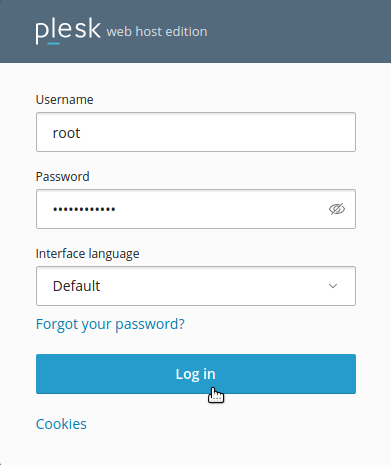
- We log into the control panel with the data related to our account.
- &In; in this tutorial we will use as an example hostico.dev
- Va need to să find the path to Document Root for domain, this being listed in the Plesk panel in: Domains > hostico.dev > Hosting Settings > Document

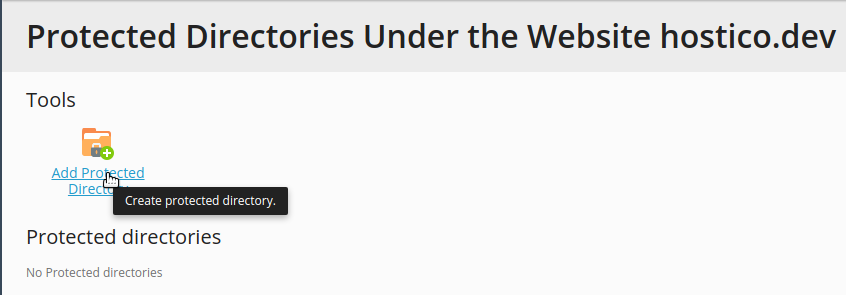
- We navigate to to the section Domains > hostico.dev > Password-Protected Directories and select Add Protected Directory.
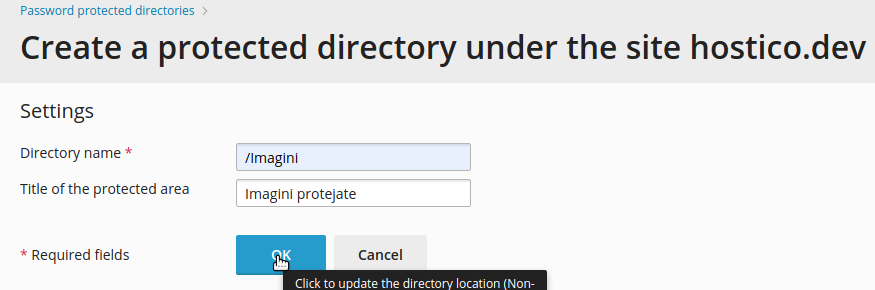
- We create the directory we want to protect
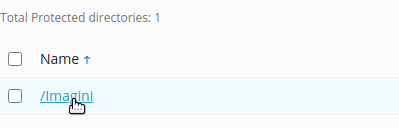
- We select the created director.
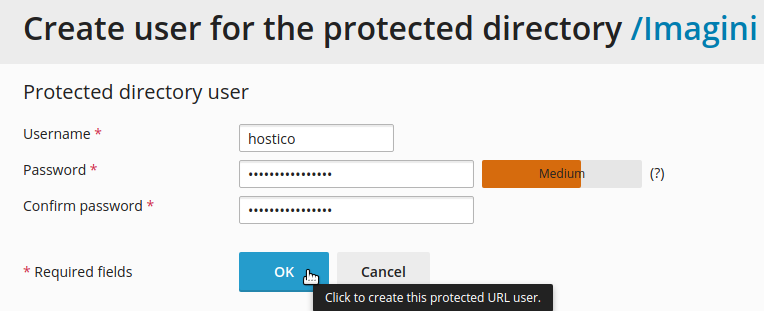
- You will need to create a user and a password related to the respective folder.
- After accessing in the browser of the respective directory

- It will appear a window where we enter the user and the password associated with the respective folder

- After accessing, the you will appear the content of the secure folder.