Tutorials • cPanel
Online in a few minutes, build a presentation page using Site Publisher available through your cPanel account.
Quickly build an online presentation page with Site Publisher from cPanel. Find out how to choose the domain, template, and publish the desired information.
6
Views 2225Updated 2 aniPublished on 15/08/2017by Florin P.
Introduction
In this tutorial we will show how in just a few minutes your domain can be available online with the help of Site publisher provided through cPanel.
Requirements
- Active hosting and domain package.
- cPanel account login details
Steps
- To be able to build a page using Site publisher, we will log into the cPanel account and go to the Domains section, and then we will click on Site Publisher.

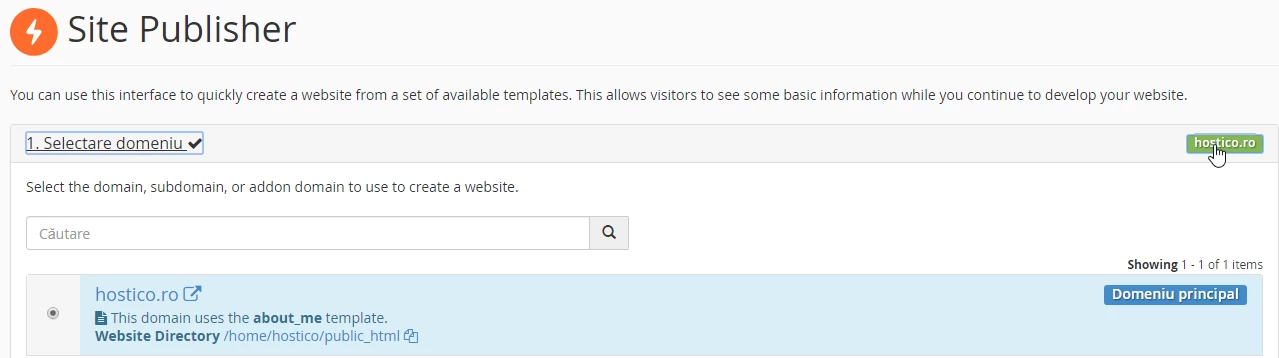
- The first step is to select the domain on which we want to build the page; in our case, the domain is hostico.ro.
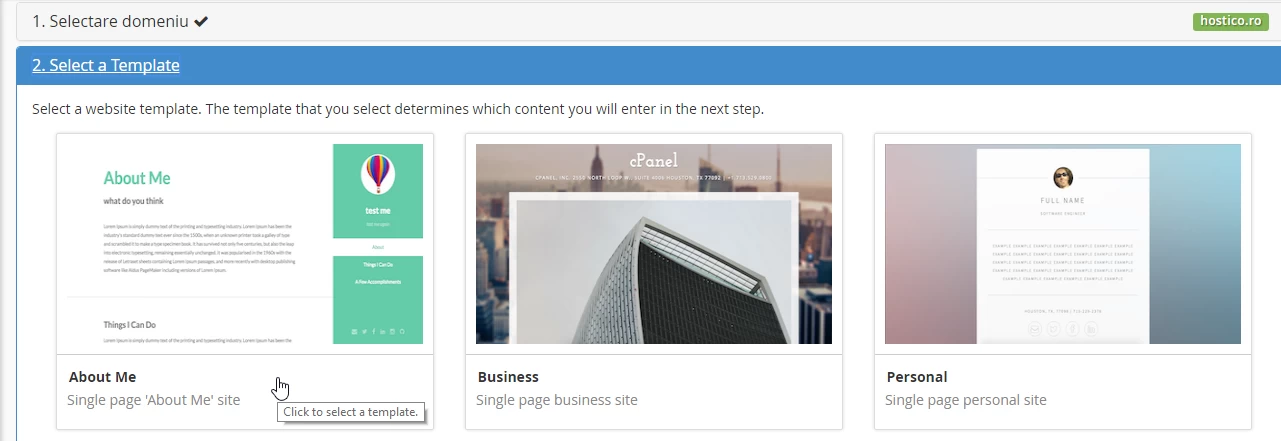
- In the next step, we will select the desired template for our page. Whether we want a simple presentation page, a coming soon page, a countdown page, or a vcard, Site Publisher offers us multiple templates for each of these situations.
- We will select by clicking on the 'About me' single page template.
- On this page we will add the necessary information according to the chosen template and publish the information by clicking the Publish button.

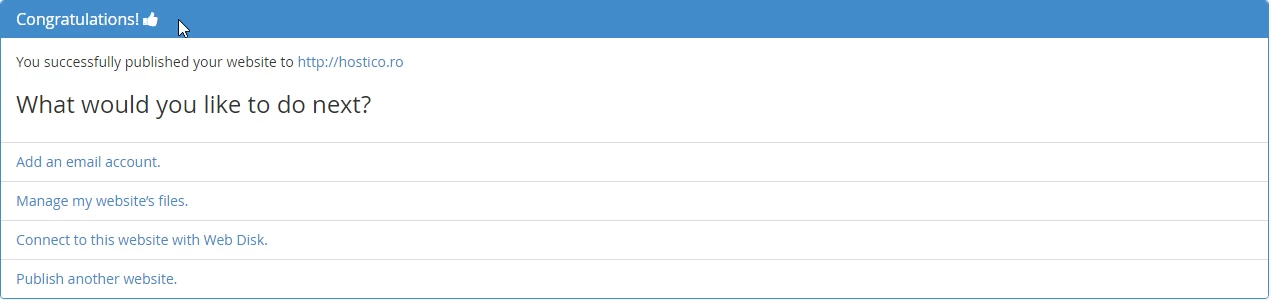
- Later we also have other options through which we can add an email account for the newly created page, manage the current page, and create and publish a new page.